
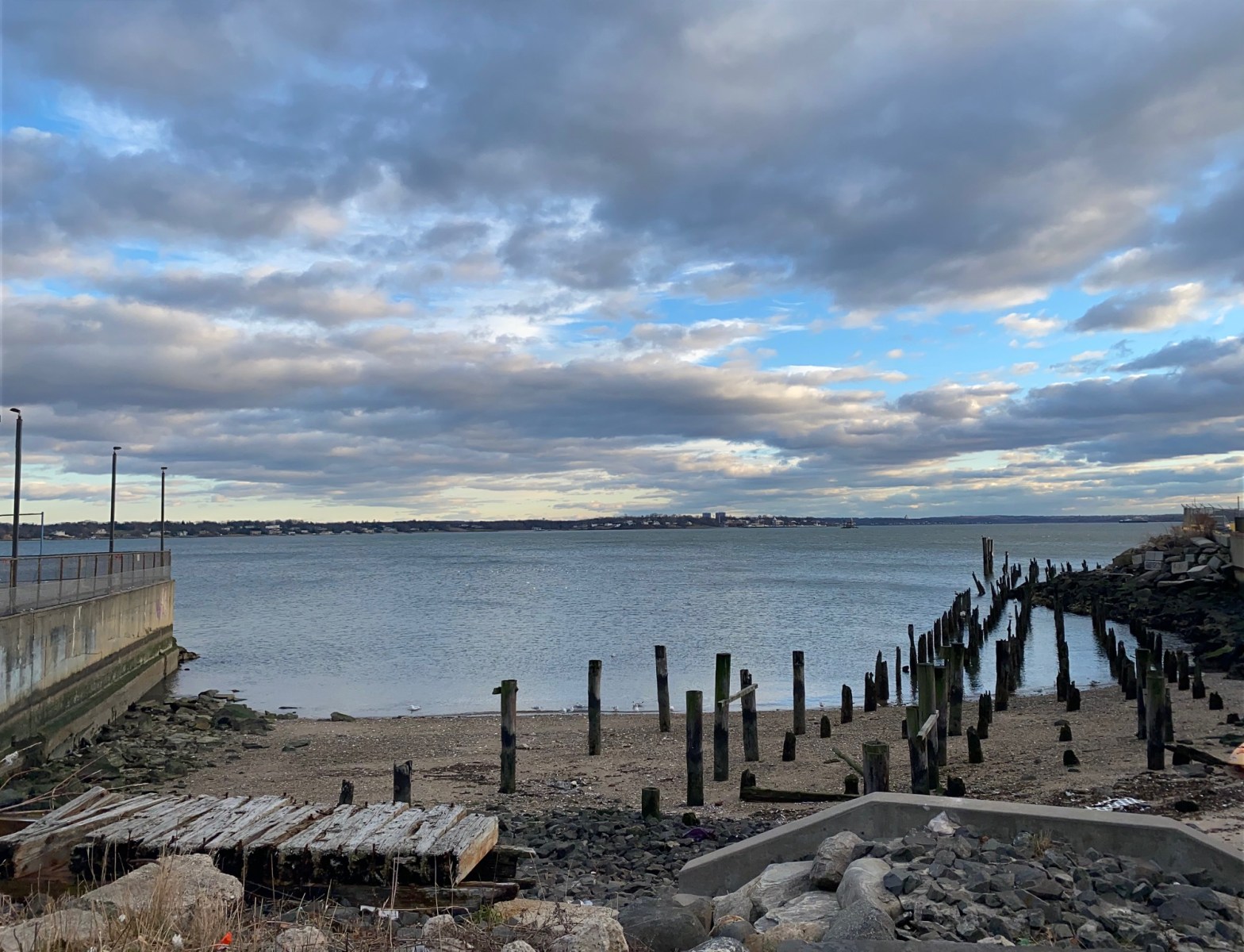
I had some fun using Photoshop for the first time. I used a picture that I recently took in City Island. The original picture came out really nice but, I wanted to play around with the colors in Photoshop. I changed the color to black and white and also added text to the photo.
Before:
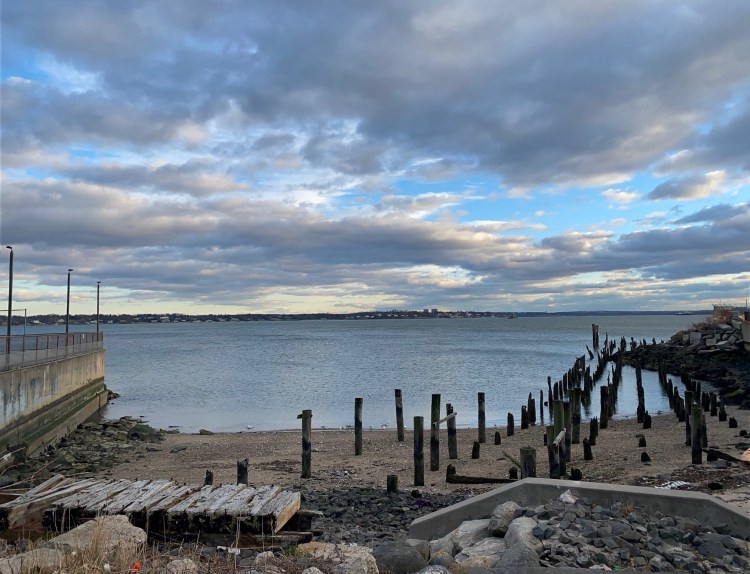
After:
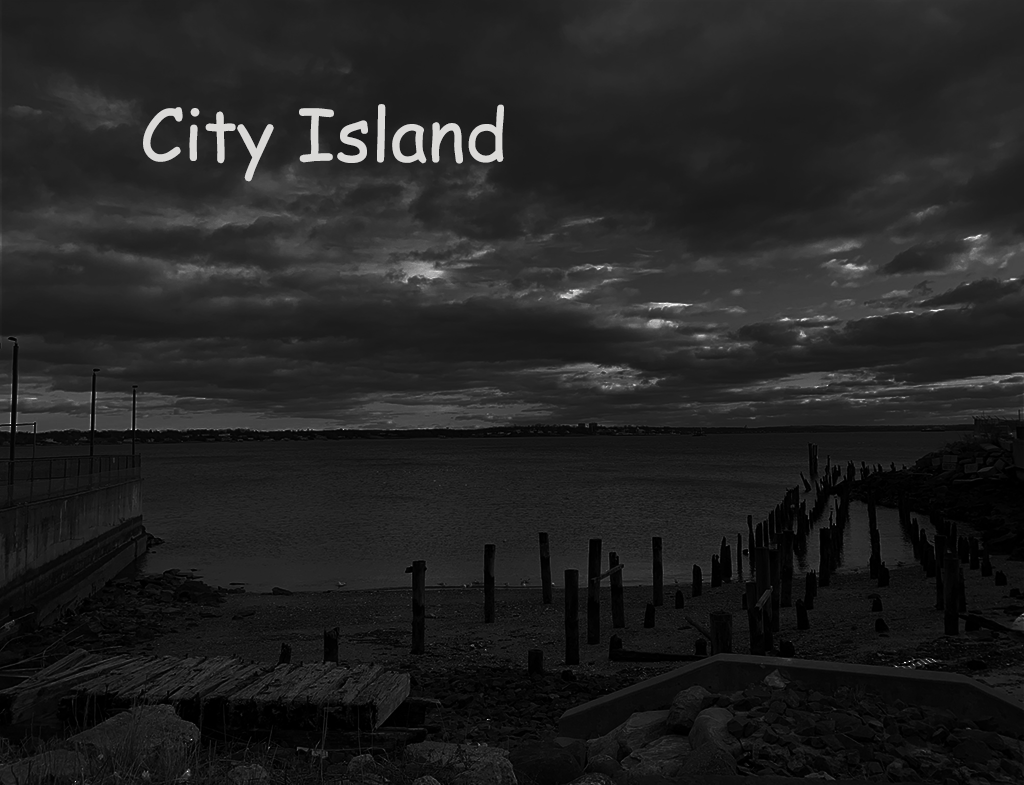
As you can see the edited picture is black and white. However, by utilizing the brightness/contrast feature in Photoshop I made the picture really dark. I felt like doing this in light of today’s dark and challenging times. If you look at the clouds, you can see that they aren’t all dark. The light of the clouds and white text signifies hope.
 Christian's Soccer Blog